One Light Engine.Many Possibilities.
Quick Connect is a field-configurable outdoor-lighting system for people who design, specify, distribute, install and integrate professional lighting. Start with what you want to light, not a wall of SKUs. The light engine does not have to define the final fixture: change the compatible mount and finishing components, and the same modular logic can take on a completely different role.
Education first. Exact compatibility and final BOMs are verified by trained professionals.
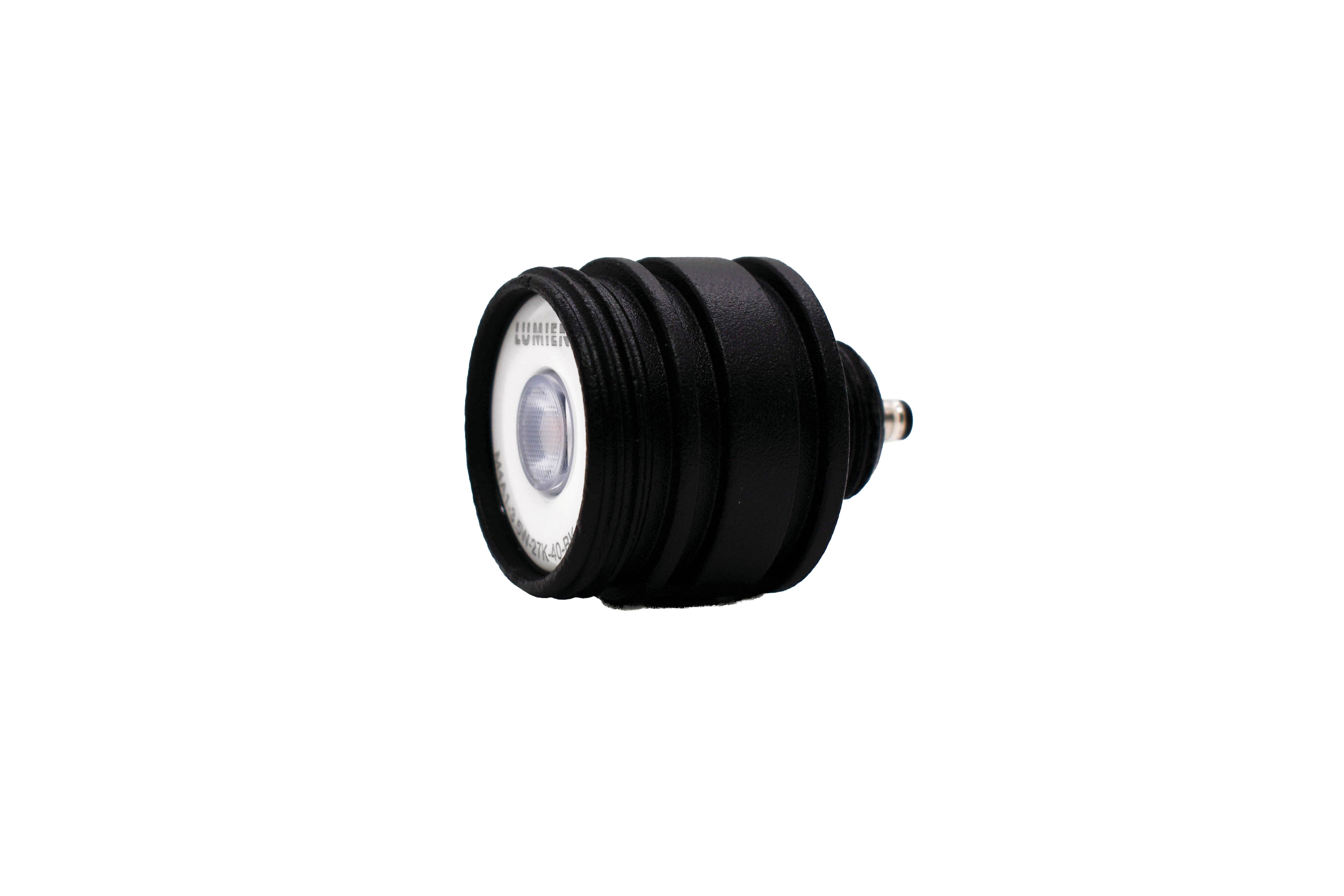
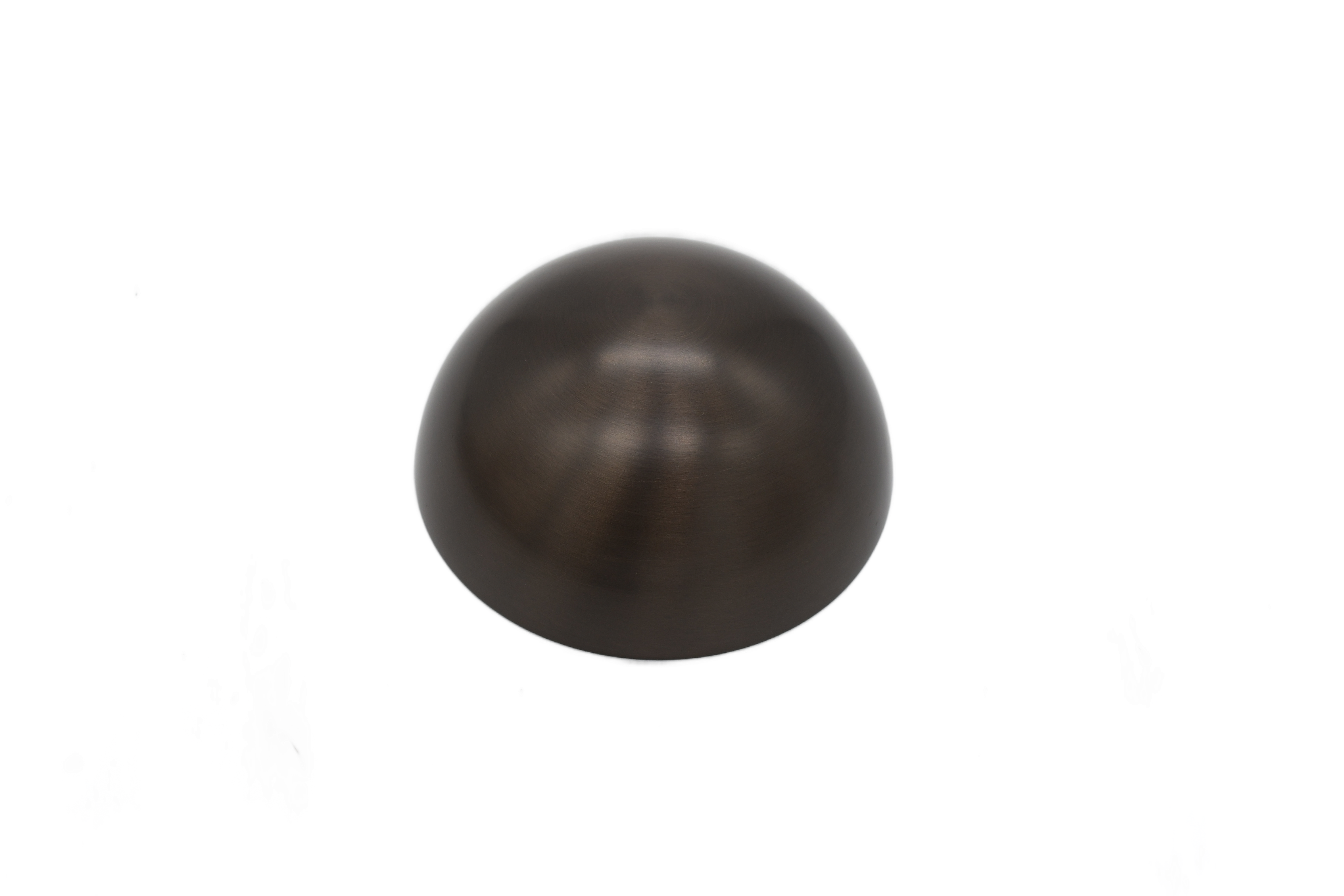
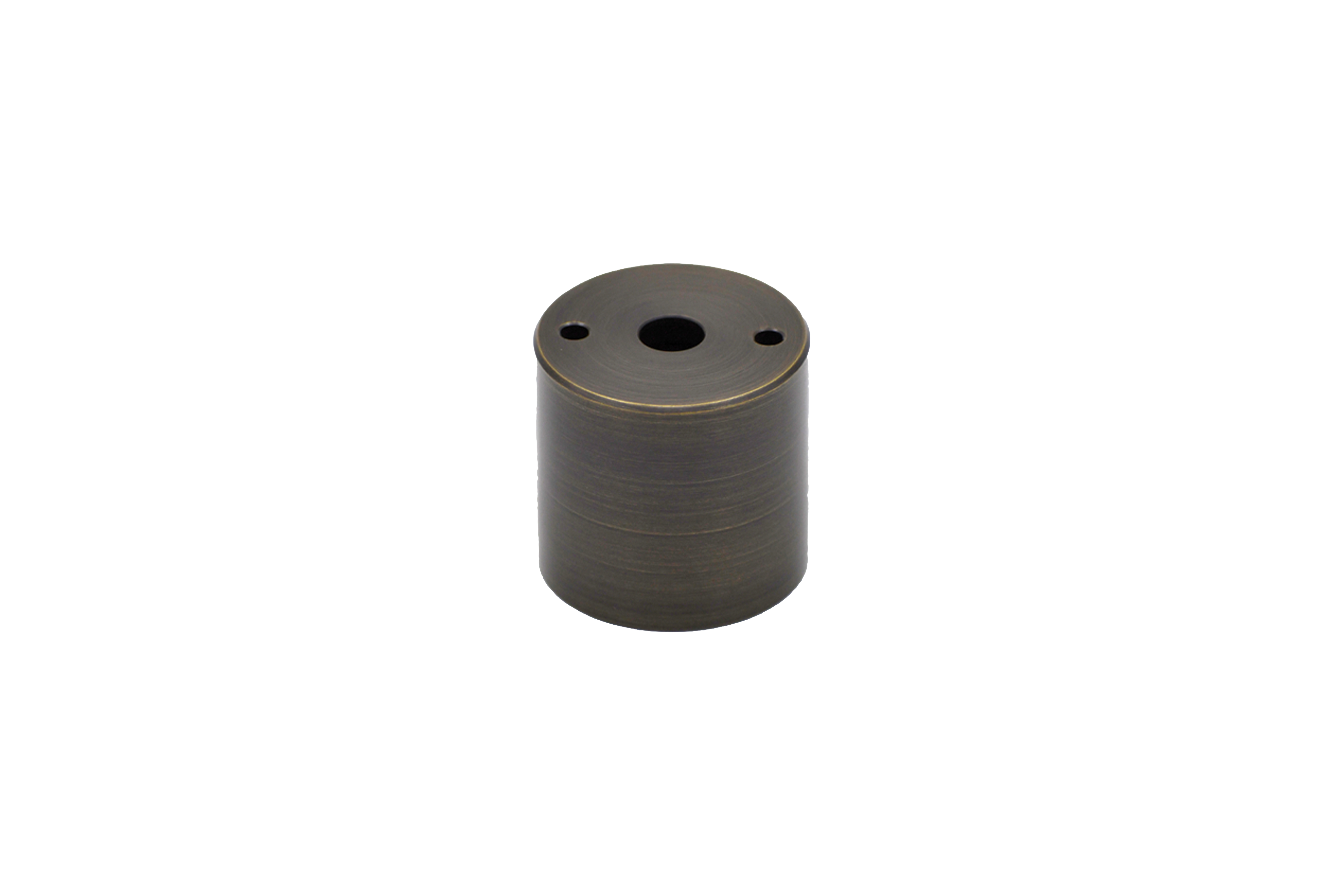
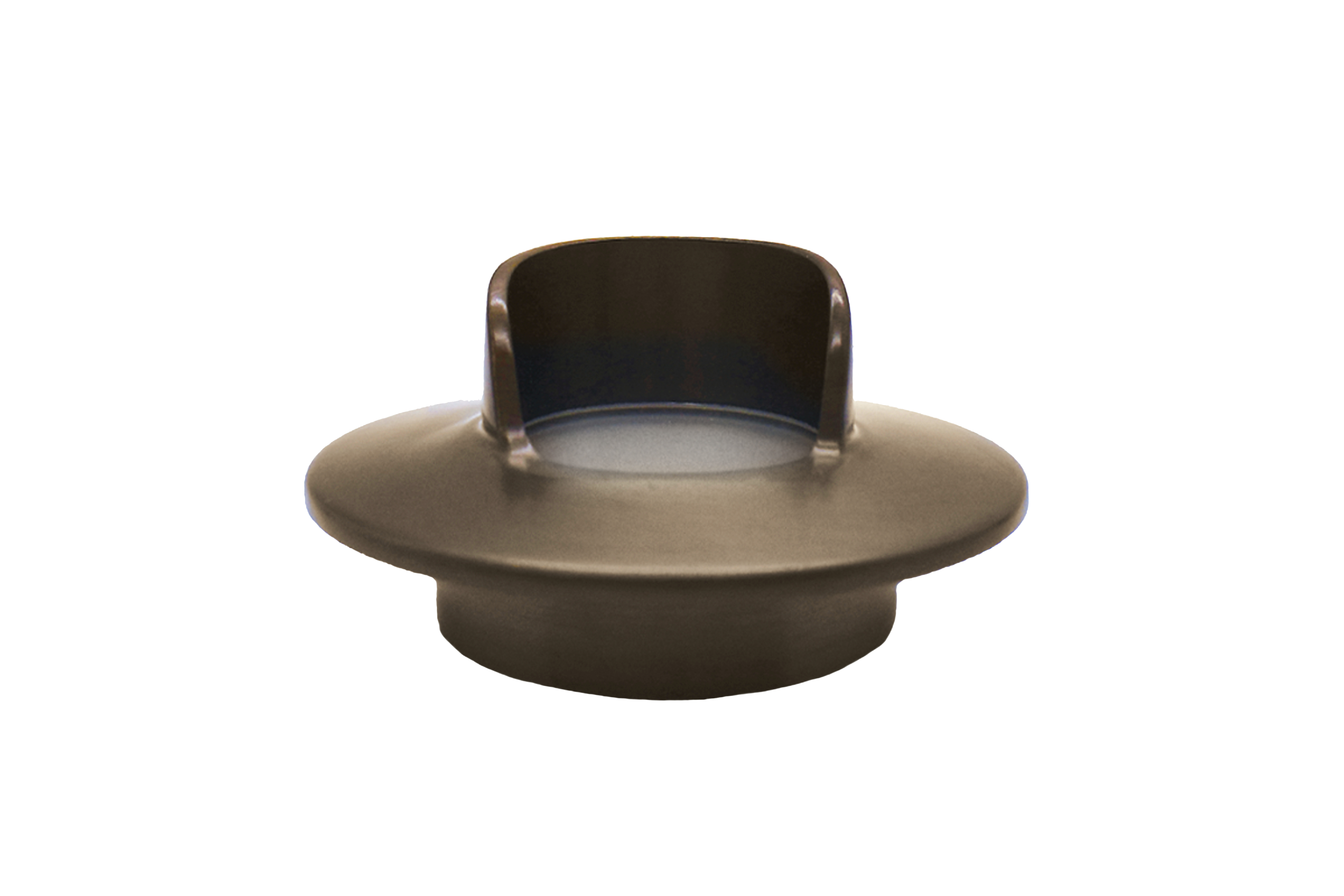
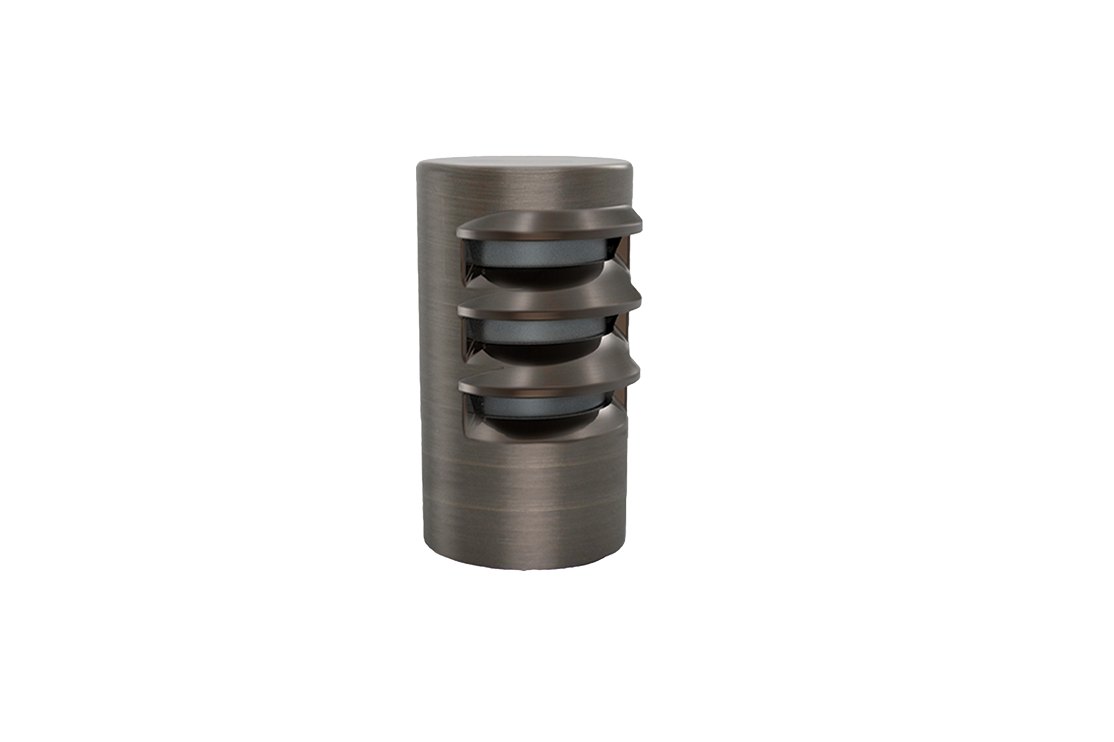
One module. Many fixtures.
You do not have to learn Quick Connect by memorizing a wall of part numbers. Start by understanding what changes around the light engine. Click the examples below to see how the system transforms.
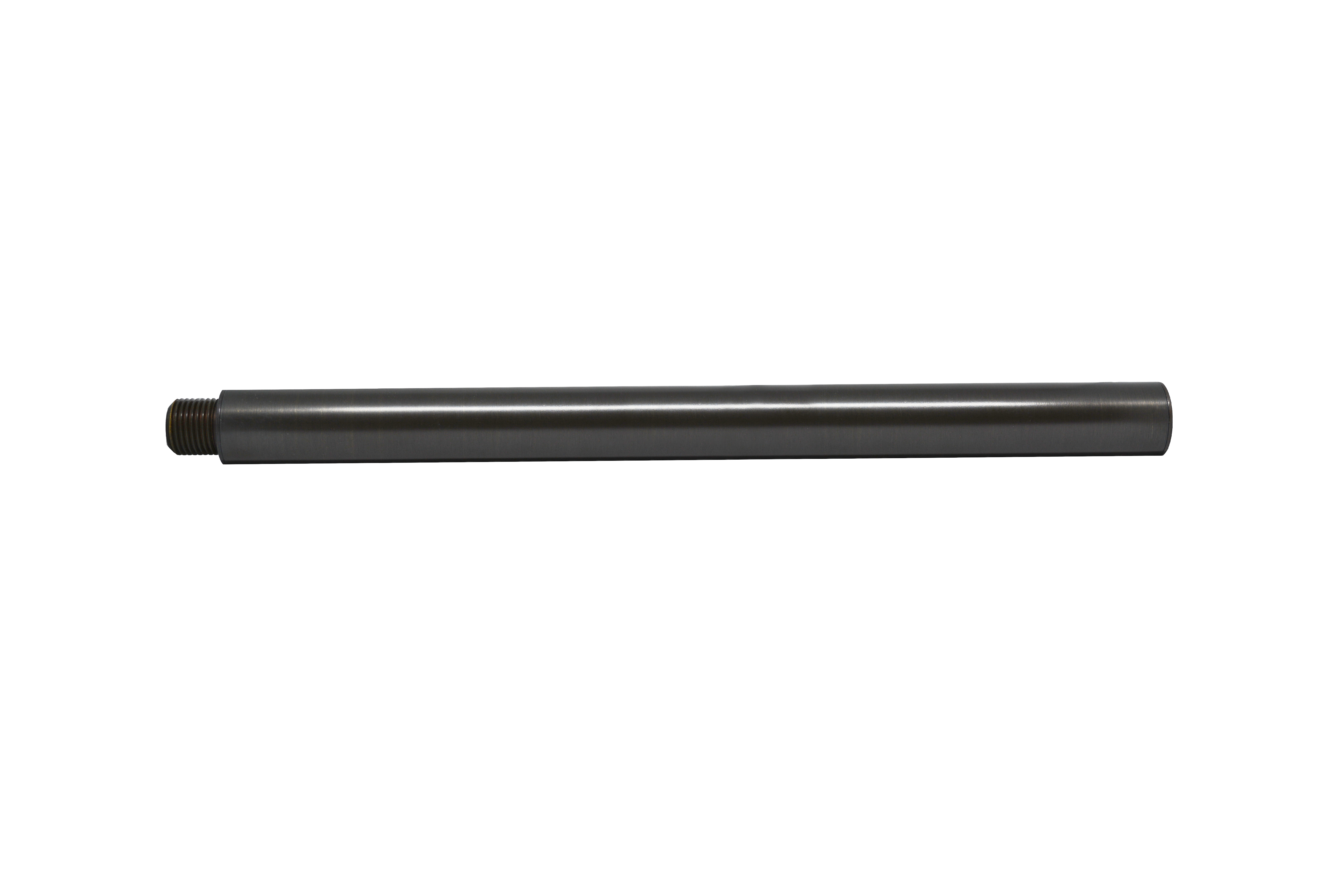
Turn the Micro into a path-light solution.
Keep the light engine. Change the surrounding components to raise it into the landscape and shape a comfortable area distribution.
The images are representative Lumien Quick Connect components. Exact combinations, environmental ratings and compatibility must be verified before specification or installation.
One system. Different professional priorities.
The application-first method is the common language. Each role uses it differently, but nobody has to start by memorizing SKU logic.
Complete BOMs, fewer missing parts and cleaner handoffs before quotes are released.
AIR resources for this roleAesthetics, glare control, visual effect and a clear path from design intent to verified specification.
AIR resources for this roleA simple way to describe the outcome first, then let the technical team solve mounting, engine and finish.
AIR resources for this roleField adaptability, installation clarity and component-level solutions when site conditions change.
AIR resources for this roleTransformer loading, zoning, scheduling, relay strategy and coordinated lighting-control handoffs.
AIR resources for this roleDurability, environmental fit, mounting strategy and lighting that works with the living landscape.
AIR resources for this roleThe 4-step decision path.
This is the AIR training philosophy in its simplest form: application first, hardware second.
What are you trying to light?
Start with the application, visual effect and environment. The fixture is the answer to the design question, not the starting point.
Where will the light live?
Ground, wall, soffit, recessed, bollard, structure or specialty condition. The mounting decision establishes the physical installation.
What performance is needed?
Choose the engine direction based on scale and performance: Half-Nano, Nano, Micro or Macro, with the appropriate light and control characteristics.
How should the light behave?
Use hats, shields, lenses, optics and specialty accessories to shape distribution, glare control and appearance.
Half-Nano = Disappear · Nano = Compact Accent · Micro = Flexible Default · Macro = More Output
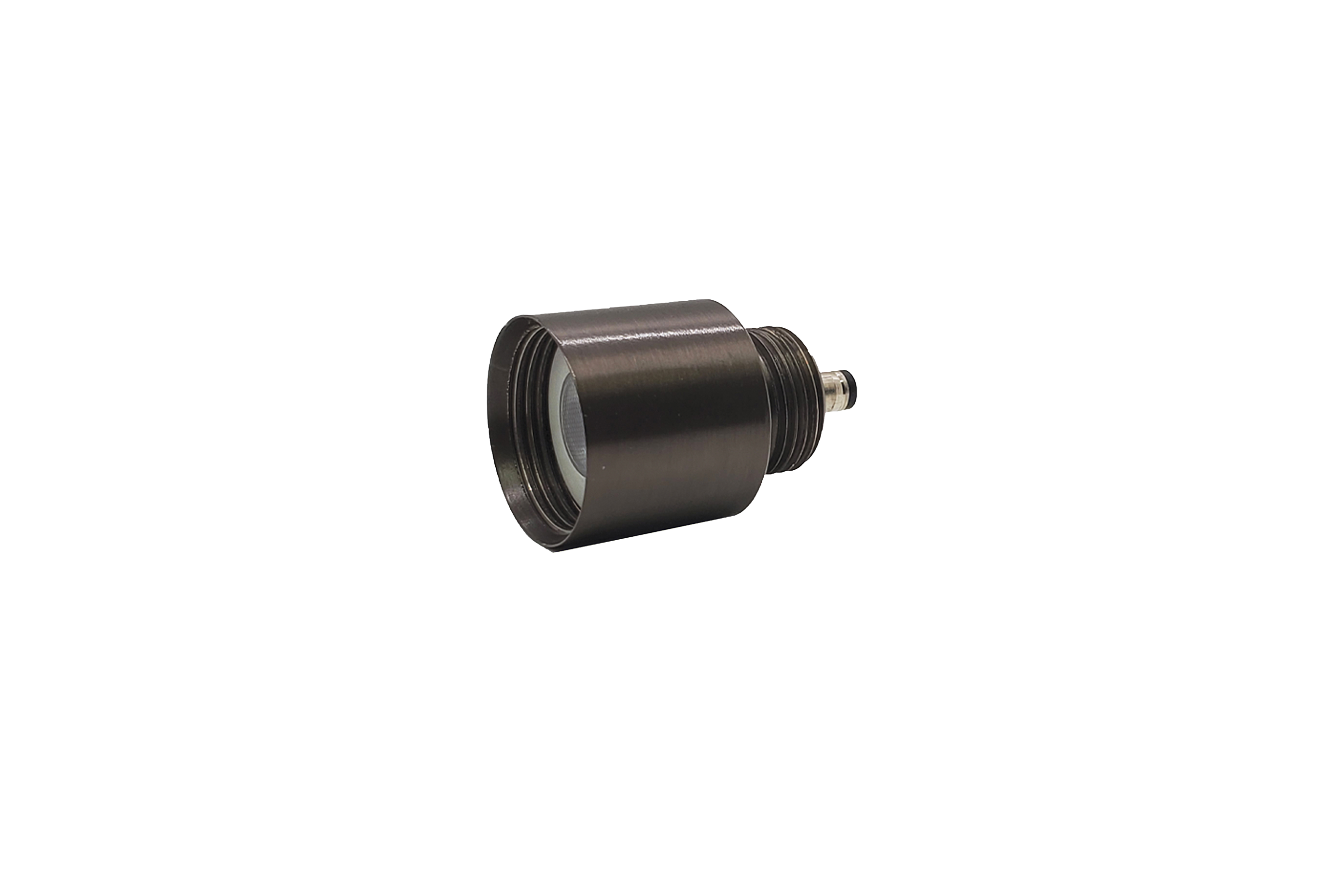
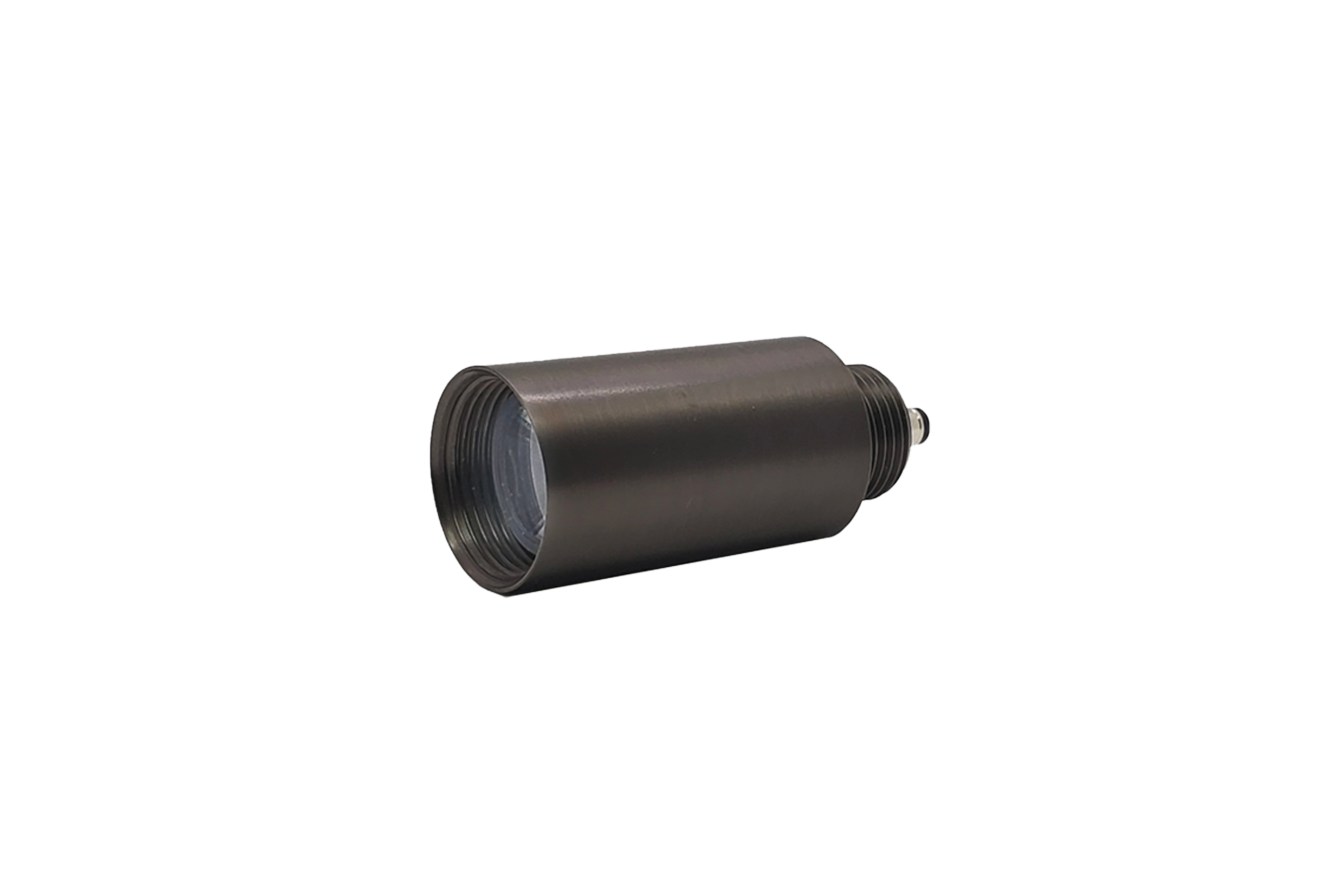
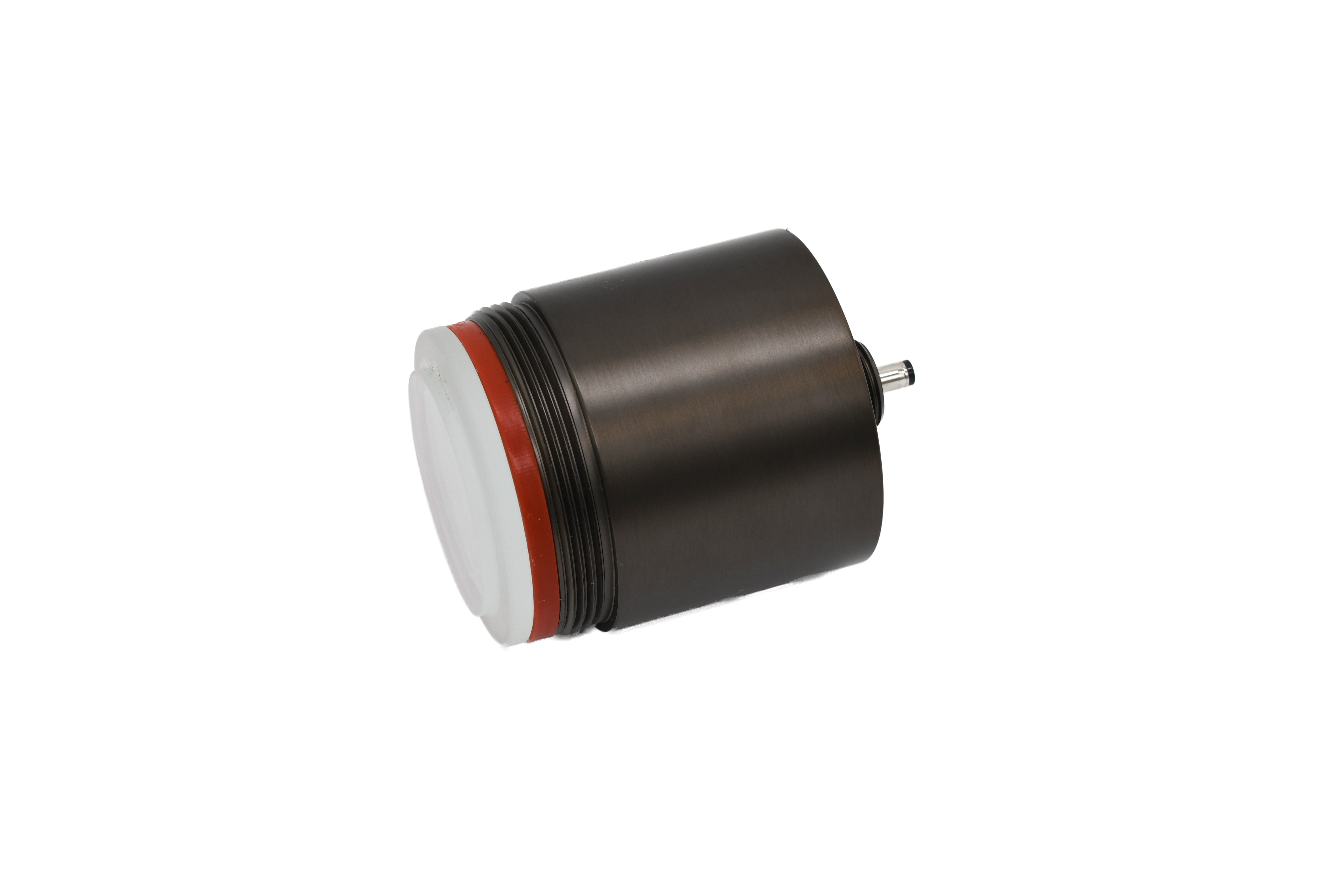
Ready to dive into exact SKUs, IES files and compatibility details?
AIR teaches the application and workflow. Lumien maintains the current product and specification data. Use the official Lumien Quick Connect pages when you need the raw technical detail, then bring AIR/Jackson Lighting back in to verify the complete project BOM and fulfillment path.
The site changed. The whole fixture does not have to.
The real value of a modular system shows up when design intent, construction conditions or the landscape changes. Quick Connect gives trained professionals more ways to solve the field condition at the component level.
Configure. Adapt. Evolve.
The goal is not to change components randomly. It is to preserve the design intent while using the compatible part that solves the actual field condition.
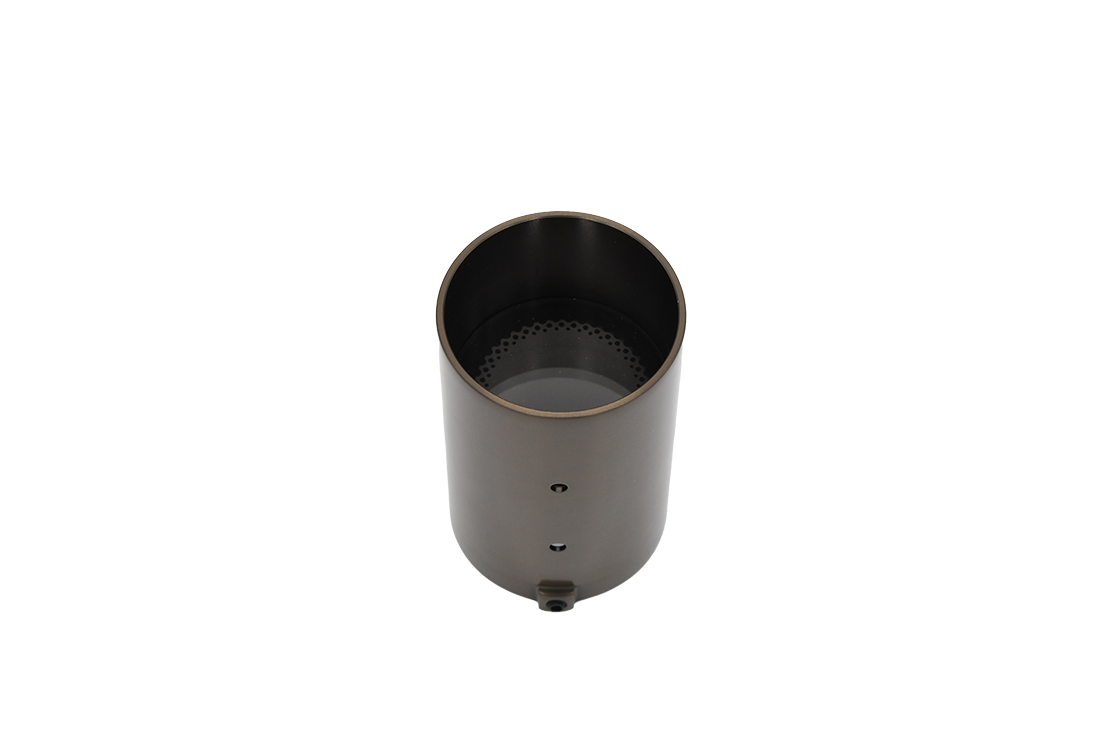
The fixture creates too much glare.
Keep the module if the output is right. Change the compatible shield, snoot, louver or optic to control the light.
The mounting location changes during construction.
Re-evaluate the compatible mount or adapter instead of replacing the entire lighting concept.
The project needs a more integrated look.
Move from a visible mount to a recessed or core-drill condition using the compatible housing, sleeve and face.
The landscape grows or the design evolves later.
The modular approach gives the project a path to reconfigure selected components instead of treating the original fixture as disposable.
Learn freely. Specify professionally.
You do not need technical access just to understand Quick Connect. When a real project moves into specification, trained professionals take over compatibility, complete BOM verification and ordering details.
Understand the possibilities.
Explore the broader Lumien platform, see product families and use AIR as a resource when your project team needs professional guidance.
Explore Lumien LightingBring AIR into the concept.
Use Quick Connect as a design conversation, then bring AIR/Jackson Lighting in for specification coordination, system fit and project support.
Move from concept to verified BOM.
Technical planning belongs with trained professionals who know the AIR BOM test and understand that final compatibility still requires verification.
Quick Connect education is public. Exact product selection, compatibility, electrical planning, controls and complete BOMs remain subject to current Lumien technical documentation and professional verification.